
Layouts that translate
Auto-layout becomes native containers.

Turn Figma frames into native Godot scenes, controls, and themes. No rebuild.
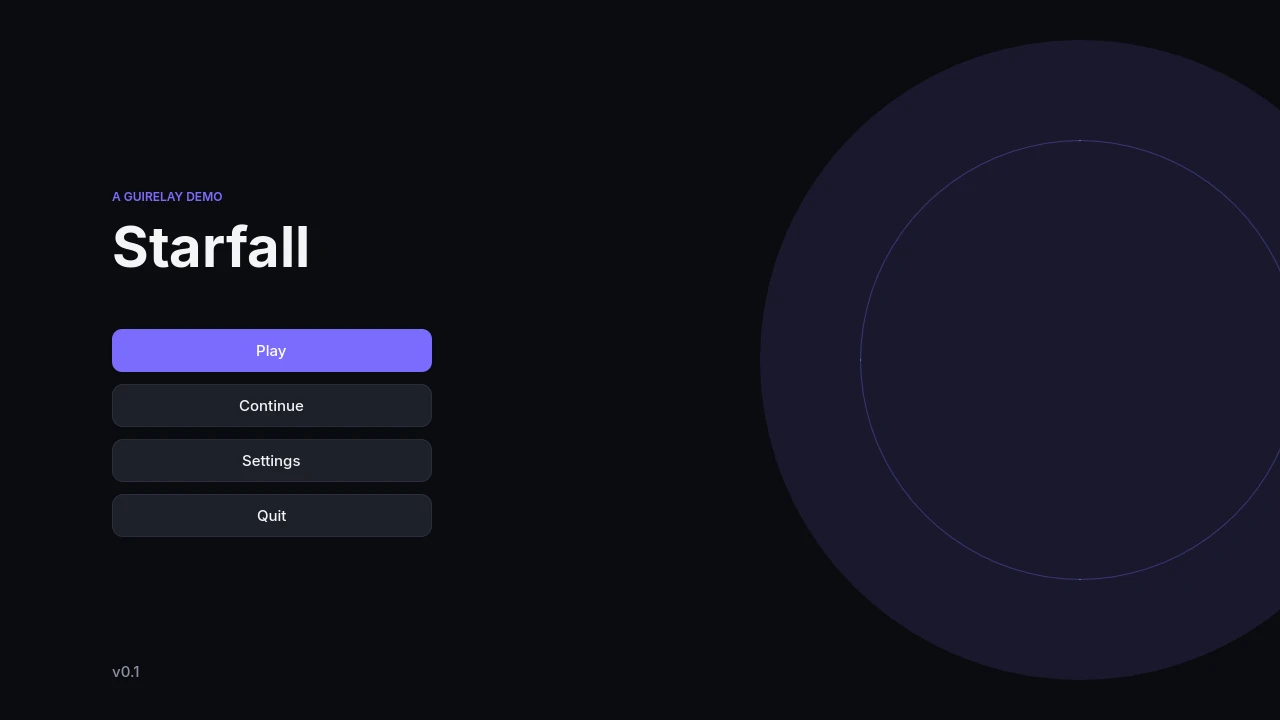
Auto-layout becomes native containers.
Real buttons and sliders, with every state.
Colors and fonts become reusable themes.
Add the free Godot addon. Paste its token in Figma.
Start with a kit or your own frames.
Your scenes appear in Godot. Add your logic and keep designing.
[gd_scene format=3] [ext_resource type="Theme" path="res://figma/theme_dark.tres" id="1"] [node name="main_menu" type="Control"]theme = ExtResource("1") [node name="Menu" type="VBoxContainer" parent="."] [node name="Play" type="Button" parent="Menu"]text = "Play"
No subscription. No trial.
Install the GUIRelay Figma plugin and the free Godot addon, then connect them with a token. Select your frames and press Push. They arrive in your project as native scenes, not flat images.
The Figma desktop app and Godot 4.4 or newer on the same computer. GUIRelay has two parts: a Figma plugin and a free Godot editor addon. Connect them once with the token from the Godot dock.
Yes. Auto-layout becomes containers, named components become buttons, sliders, toggles, and other native controls, and styles become reusable Godot themes. Vector and image layers are imported as image assets.
Use Inherit in the Godot dock to create a scene for your scripts and custom nodes. GUIRelay updates the generated base scene and preserves your inherited work, including when linked Figma layers are renamed or moved.
No. The live link works with Figma’s free plan. It connects directly to Godot on your computer, without a Figma API token.
Yes. Select your frames, add them to Screens, and push. Custom designs, native controls, fonts, themes, and re-import are part of the free workflow. You can start with any of your own designs.
Starter + Bubble Pop include 9 screens in total, with editable Figma components, Dark and Light colors, and native Godot controls. Add them from the plugin’s Kits tab, make them your own, and push to Godot.
Yes. Everything you create with GUIRelay is yours, including games you sell. No credit needed.
Yes. Any kit you get is yours to keep, always, with updates when available. That includes Pro kits when they arrive.
Something else? Say hello to @realvjy ↗